
Security matters whenever players share personal details, make a deposit or request a withdrawal at an online casino. For UK players considering Zeslots Casino, encryption is one part of the wider picture: it can help protect information as it travels between a device and a website, but it does not by itself prove that every aspect of a casino is safe or suitable. This review looks at what encryption can and cannot tell you, how to check the site’s security signals, and what to consider before creating an account.
What encryption does
When a casino uses HTTPS, a secure connection is established between the browser and the website. Data sent through that connection is encrypted in transit, making it harder for someone on the same network to read or alter it. This is relevant when entering login details, payment information or personal data.
HTTPS is useful, but it is not a guarantee that a business is trustworthy. A scam website can also obtain a valid security certificate. Encryption does not confirm that games are fair, that withdrawals will be processed, or that an operator is licensed to serve customers in Great Britain. Those questions require separate checks.
How to check Zeslots Casino’s connection
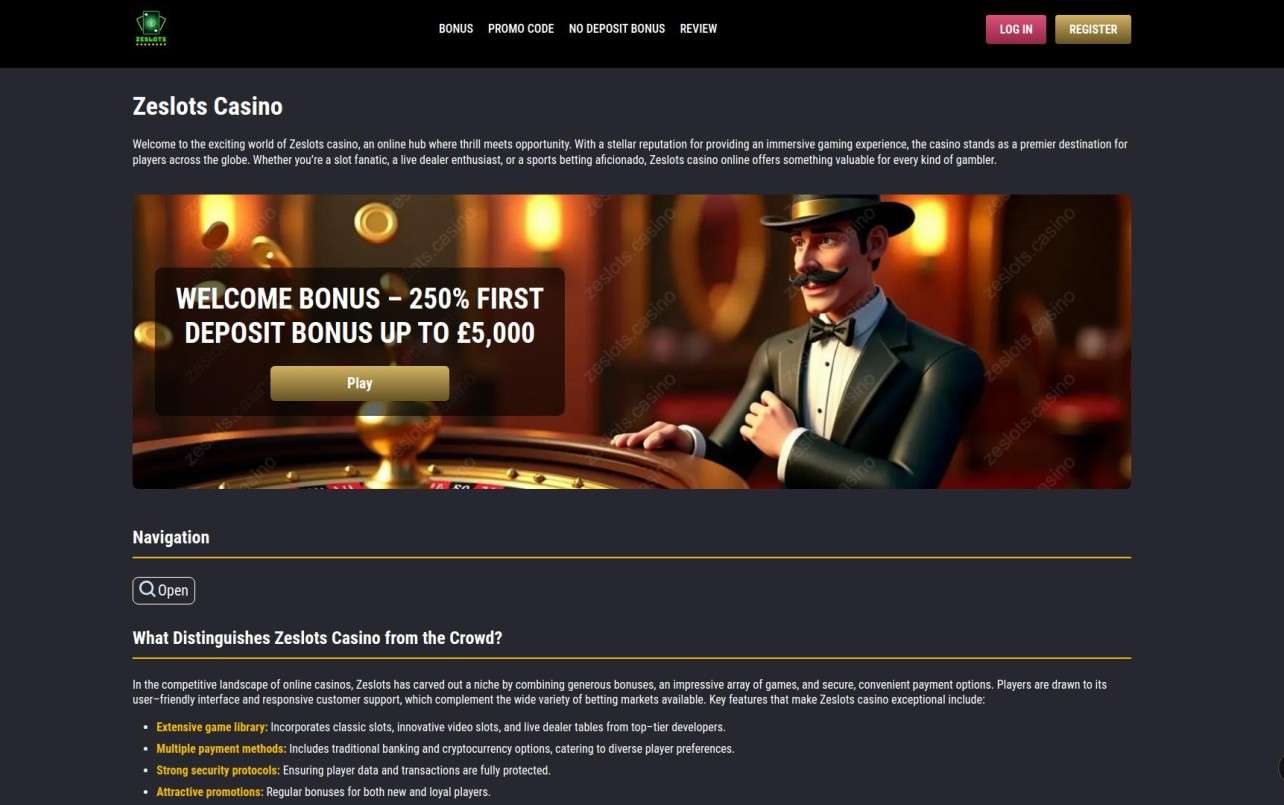
Before logging in, check the address bar for the correct casino domain and a padlock or equivalent secure-connection indicator. Select the browser’s site-information controls to see whether the connection is secure and whether the certificate is valid for the domain you are visiting. A warning, spelling variation in the address, or unexpected redirect is a reason to stop rather than enter account details.
These checks confirm only the connection to the website shown in the browser. They do not establish that Zeslots has strong internal security practices, nor do they verify its corporate identity. Avoid following unfamiliar links in messages or adverts; use a saved, verified address instead. If you are unsure whether a page is genuine, do not upload identification documents or submit payment details until you have independently confirmed the operator.
Security beyond the padlock
A casino handles information that may include a name, date of birth, address, contact details, payment records and identity documents. Players should read the privacy policy and terms to understand what is collected, why it is needed, how long it may be retained and whether it is shared with service providers. Look for clear contact details and a process for account queries, data requests and complaints.
Payment security also depends on the payment provider and the way a transaction is handled. Use payment methods you understand, check that the payment page remains on a legitimate secure address, and never send card details or account passwords in chat or email. A casino should not ask you to disclose a one-time passcode that was issued to approve a transaction. If something seems unusual, contact your bank or payment provider through its official channel.
UK licensing and player protection
For people in Great Britain, licensing is a separate and essential consideration. Check the operator’s legal name and licence status directly with the UK Gambling Commission’s public register rather than relying only on a logo displayed on a casino page. Make sure the licence applies to the company operating the site and covers the relevant activity. If the operator cannot be verified, do not assume that encryption makes it an appropriate choice for UK play.
Licensed status and secure web traffic address different risks. A licence relates to regulatory obligations, while HTTPS protects data in transit. Neither should be treated as a substitute for the other. UK players should also look for accessible responsible-gambling tools, including deposit limits, time-outs and self-exclusion information, and should use them before play becomes difficult to manage.
Practical steps to protect your account
- Choose a unique password: Do not reuse a password from email, banking or social media. A password manager can help generate and store a strong one.
- Secure your email account: Email is often used for password resets, so protect it with a strong password and multi-factor authentication where available.
- Use trusted devices and networks: Keep your browser and operating system updated. Avoid signing in on shared devices or public Wi-Fi; if you must use one, do not save credentials and log out fully.
- Check account activity: Review deposits, withdrawals and profile changes. Contact the operator promptly if you notice activity you did not make.
- Share documents cautiously: Provide identity checks only through a verified, secure account area, and only when you understand why the documents are required.
Questions and answers
Does HTTPS prove that Zeslots Casino is safe?
No. HTTPS indicates that the connection to the displayed domain is encrypted. It does not verify the operator’s licence, business practices, game fairness, financial stability or withdrawal performance. Treat it as a basic technical safeguard, not an overall endorsement.
What should I do if my browser shows a security warning?
Do not proceed to log in, deposit or upload documents. Check that you typed the address correctly and try again later using a trusted route. Do not bypass the warning simply because a page looks familiar. If the issue continues, contact the casino through independently verified details or choose not to use the site.
Is it safe to use public Wi-Fi to play?
A secure website encrypts traffic, but public networks and shared devices still create additional risks. Avoid making payments or changing sensitive account settings on a public connection. If you have already signed in on a shared device, log out, close the browser and change your password from a trusted device if you suspect it may have been exposed.
Support, transparency and warning signs
Good security communication should be specific and consistent. Before registering, review the site’s privacy notice, payment terms, verification policy and customer-support options. If you contact support, do not share your password or a bank authentication code. A legitimate support representative should not need either to investigate a general account question.
Be cautious if a site pressures you to deposit quickly, promises guaranteed winnings, requests payment through an unfamiliar route, or asks you to install software that gives another person access to your device. These are not proof of a particular security breach, but they are reasons to pause and verify what is happening. Keep screenshots and transaction records if you need to raise a concern with your bank, payment provider or a relevant regulator.
Overall assessment
Encryption is a necessary baseline for an online casino, because it helps protect information moving between a player’s browser and the website. However, a padlock alone cannot answer the central questions UK players should ask about Zeslots Casino: whether the domain is genuine, whether the operating company is properly authorised for Great Britain, how personal data is handled, and what recourse is available if something goes wrong.
Check the live connection and domain carefully, verify the operator’s details through authoritative sources, and read the privacy and payment terms before sharing sensitive information. Use a unique password, protect your email account and keep deposits within an affordable limit. If you cannot independently confirm the site’s identity or UK regulatory position, the safest choice is not to register or deposit until those points are clear.
For account questions, use only contact channels listed on the verified website. Keep a record of relevant messages and transactions, and contact your payment provider promptly if you suspect unauthorised activity. A careful approach—rather than relying on encryption as a blanket promise—is the most practical way to protect yourself when considering any online casino.
Players searching for casino help for ze slots casino should focus first on confirming the correct domain and operator, then use the official support channel for account-specific questions. Never send passwords, full payment credentials or security codes in a message, and do not treat a quick support reply as proof of licensing or safety.